
πŸ‚ Autumn Sale Arriving Soon | Want the deals before the crowd? | Get Early Access
image

How to Manage WooCommerce Orders from Google Sheets❓

01

Connect your Sheet

Enable order sync in Settings and link the Google Sheet you want to manage orders from.

02

See every order at a glance

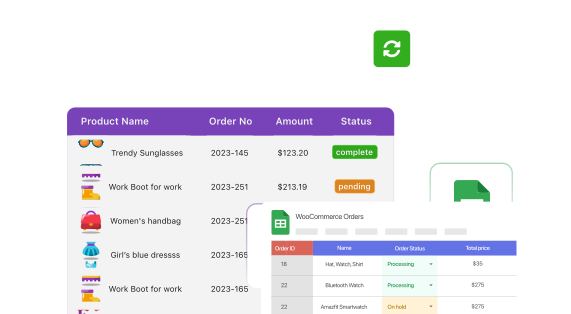
Open View Orders on Google Sheet for a live dashboard of your entire order list.

03

Manage from there

Update status, notes, and order details right in the Sheet. Changes sync back automatically.
Image

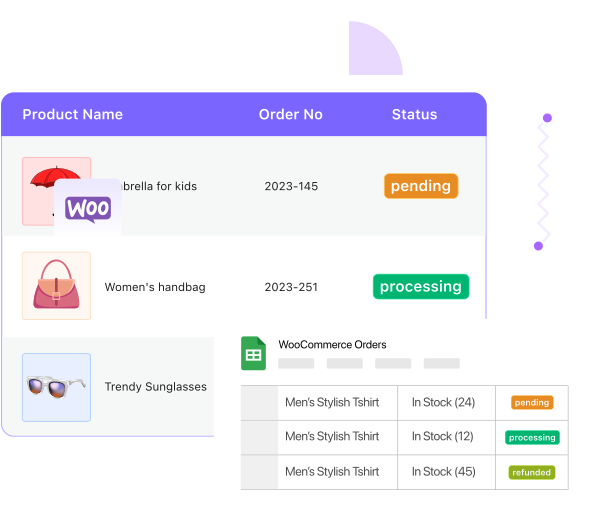
Your Sheet, as a WooCommerce Order Management System

Skip the WordPress admin. Your connected Sheet shows every order, status, and detail, and doubles as the place you actually manage them from.

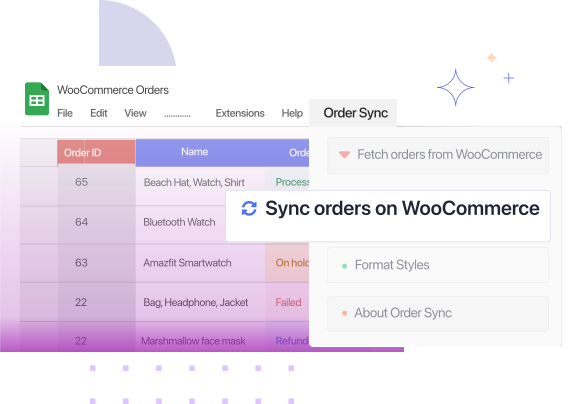
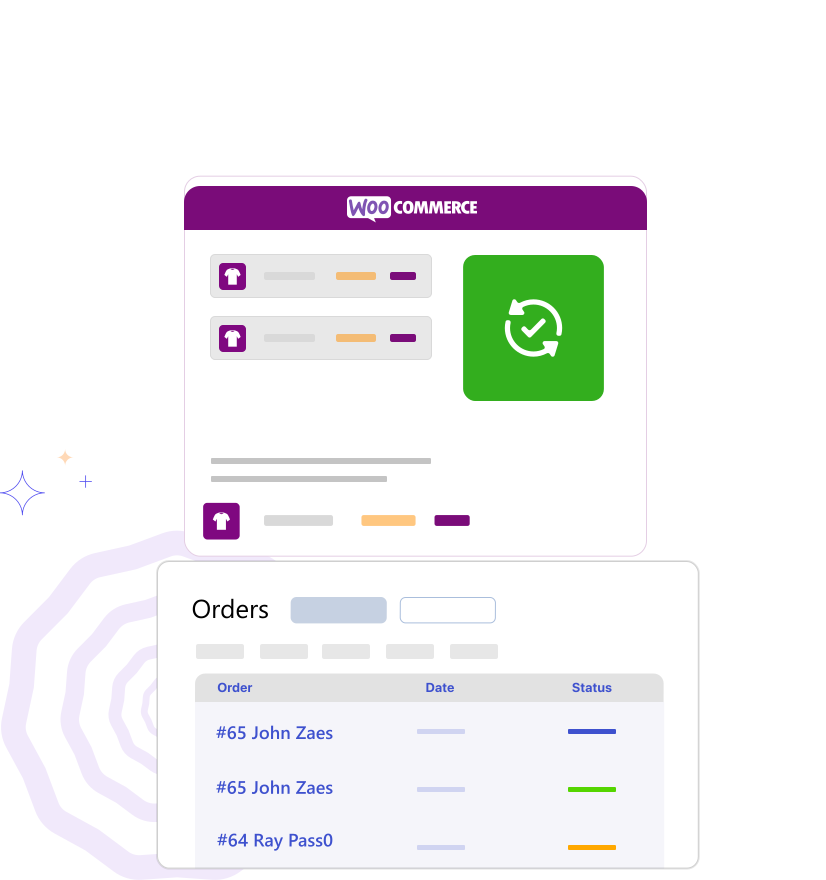
Manage Orders Without wp-admin Access

Hand order management to a virtual assistant, support agent, or fulfillment partner through a Sheet, without ever giving out a WordPress login.
Image
Image

Every Order Detail, in One Place

Manage more than status. Everything below shows up in your order management Sheet, ready to view or edit.

Order status

Customer details

Billing & shipping

Order notes

Payment method

Custom fields

Built for However You Run Your Store

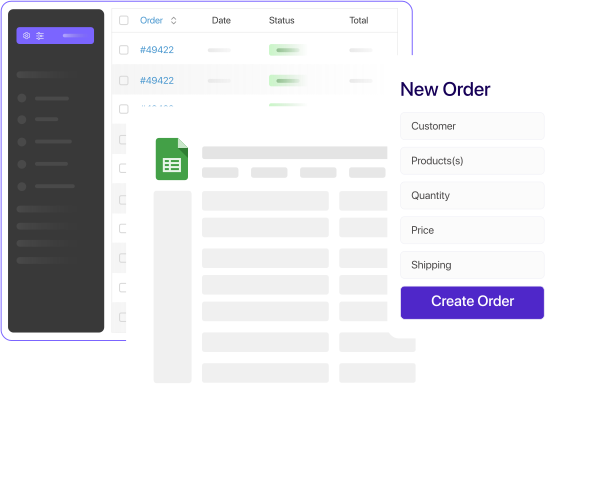
Order management looks different depending on team size. FlexOrder fits most of them.
Block Image

Solo store owners

Run your whole order workflow from one familiar Sheet instead of clicking through wp-admin.

Block Image

Non-technical team members

Let a VA or support hire manage orders confidently in a spreadsheet they already know.

Block Image

Multi-store operators

Keep a consistent order view across stores, without logging into each one separately.

Frequently Asked Questions

Everything about managing WooCommerce orders from Google Sheets.

Can I manage WooCommerce orders directly from Google Sheets?
Yes. Once your Sheet is connected, it works as a live order management dashboard, status, notes, and details included.
Is this a full order management plugin, or just an export tool?
It's a full order management plugin. Beyond viewing orders, you can update them, edit details in bulk, and create new ones, all from Google Sheets.
Do my team members need WordPress access to manage orders this way?
No. Anyone with access to the connected Sheet can view and manage orders, without a WordPress login.
Can I update several orders at once from here?
Yes. See bulk editing WooCommerce orders for changing status and other fields across many orders in one pass.
How is this different from order sync?
This page is about using your Sheet as your order management workspace. Order sync explains the two-way sync underneath it, and order creation adds brand new orders. All three work together.

Manage WooCommerce Orders from Google Sheets Today

Your orders, your Sheet, always in sync. No manual entry, no code.
Image