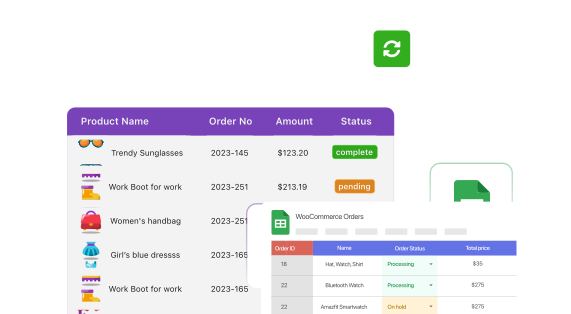
Order status

Go to Order Sync with Google Sheet, open Settings, and enable the fields you want to sync.
Click View Orders on Google Sheet from the plugin dashboard to see every order laid out as rows.
Change an order in WooCommerce or in the Sheet. A quick popup confirms the update, and the other side matches.

Most plugins only push WooCommerce data out to a spreadsheet. FlexOrder syncs both directions, so an edit in Google Sheets updates WooCommerce, and an edit in WooCommerce updates Google Sheets, automatically.
Order sync covers more than a status column. Enable the fields you care about in Settings, and keep them current on both sides automatically.
Order status
Custom order statuses
Order notes
Billing address
Shipping address
Custom fields
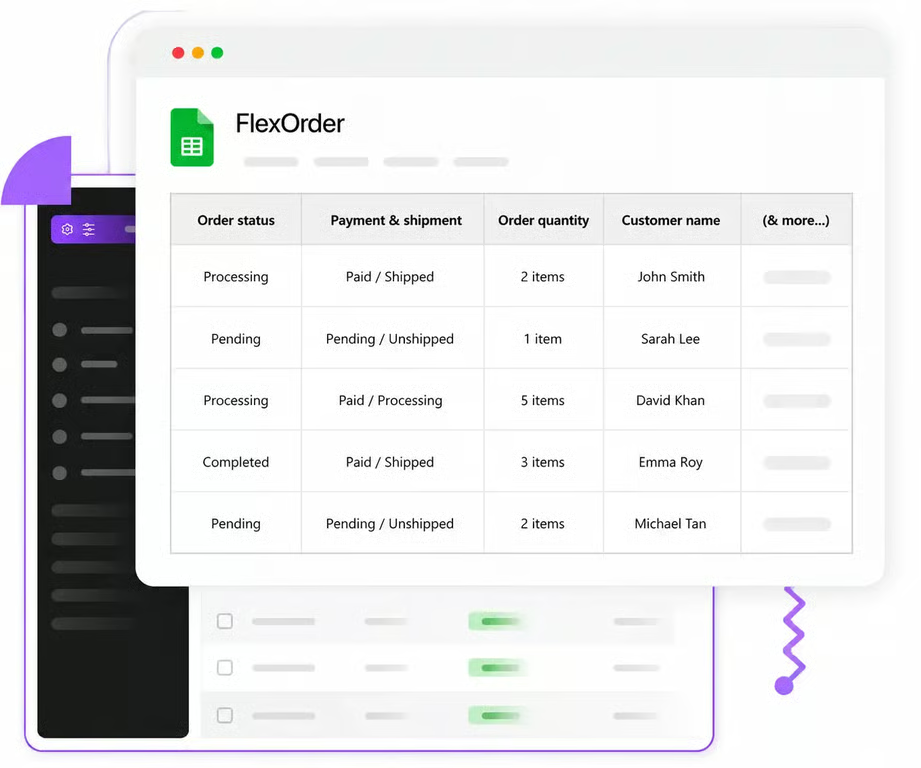
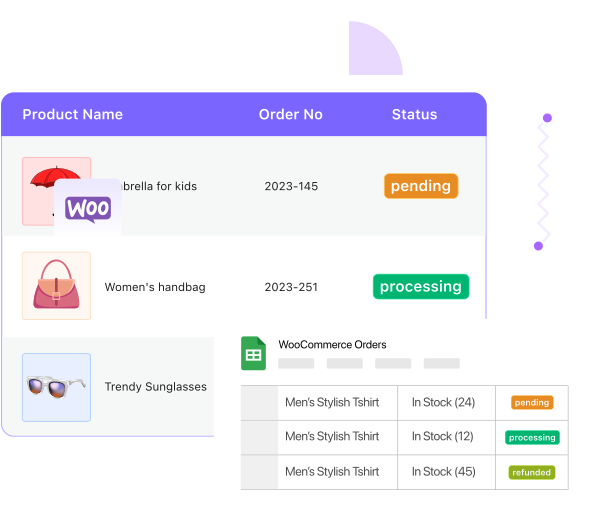
No exporting, no re-uploading, no stale copies. Once sync is on, your Google Sheet reflects your WooCommerce orders as they change, and stays that way for as long as the plugin is connected.
Wherever order data needs to be seen or touched outside wp-admin, sync keeps it accurate.

Let your fulfillment team work entirely from a Sheet, and have every status change reflect back in WooCommerce.

Give support staff order notes and status visibility in a Sheet, without handing out WordPress logins.

Let several people update orders in the same Sheet at once, all synced back to a single source of truth.
Everything about syncing WooCommerce orders with Google Sheets.
Two-way sync, live in minutes. No manual entry, no code.